ERP Audit Log in PostgreSQL: Schema, Trigger & UI

The design in five lines
- 1Goal → for any record, answer who changed what, when, from which value to which value, and why.
- 2Capture in the database with a trigger, so no code path (scripts, admin panels, bulk imports) can skip the log.
- 3Store one row per change with old and new values as jsonb, plus only the changed fields for fast diffs.
Every ERP eventually gets the same support ticket: "This invoice total changed and nobody knows who did it." In a business system, the audit trail isn't a nice-to-have. Finance teams, auditors and your own debugging all depend on knowing who changed what and when. This guide walks through a design that works well for custom ERPs and CRMs on PostgreSQL. It covers where to capture changes, a table schema that stays fast as it grows, a complete trigger, how to pass the logged-in user from a Node.js backend into the database, and how to show a record's history in a React UI.
Trigger-Level or Application-Level Logging?
There are two places to capture changes, and the choice decides how much you can trust the log.
The practical answer is both, with a clear split. Use a trigger as the source of truth for data changes, because it can't be bypassed by accident. Pass the user and a reason into the transaction so the trigger can record them. Keep separate application-level events for things that aren't row changes, such as logins, exports and permission denials.
| approach | strengths | weaknesses |
|---|---|---|
| Application-level (log in your API code) | Knows the user, the screen and the business reason; easy to add context | Any path that skips the API (SQL scripts, imports, a new endpoint someone forgot) isn't logged |
| Database trigger | Catches every insert, update and delete on the table, whatever the source | Doesn't know the app user unless you pass it in; harder to add business context |
The Audit Table Schema
One shared table for all audited tables keeps queries and the UI simple. Partitioning by month keeps it fast and makes retention a matter of dropping old partitions.
A single, month-partitioned audit table for every audited entity.
CREATE TABLE audit_log (
  id            bigint GENERATED ALWAYS AS IDENTITY,
  occurred_at   timestamptz NOT NULL DEFAULT now(),
  table_name    text        NOT NULL,
  record_id     text        NOT NULL,
  action        text        NOT NULL CHECK (action IN ('INSERT', 'UPDATE', 'DELETE')),
  actor_id      text,                 -- app user, NULL for system jobs
  reason        text,                 -- optional, e.g. 'credit note #CN-104'
  old_data      jsonb,
  new_data      jsonb,
  changed_cols  text[],               -- UPDATE only: which columns changed
  PRIMARY KEY (id, occurred_at)
) PARTITION BY RANGE (occurred_at);

CREATE TABLE audit_log_2026_10 PARTITION OF audit_log
  FOR VALUES FROM ('2026-10-01') TO ('2026-11-01');

-- The query you'll run most: history of one record, newest first
CREATE INDEX ON audit_log (table_name, record_id, occurred_at DESC);- record_id is text so the same table works for integer and UUID primary keys.
- changed_cols makes "show me every change to the price field" a cheap query instead of a jsonb comparison.
- Create partitions ahead of time with a monthly job (or the pg_partman extension), or inserts fail when a month has no partition.
The Trigger Function
One generic function serves every audited table. It reads the acting user and reason from transaction-local settings, records full before and after rows, and for updates stores only the columns that actually changed. Updates that change nothing are skipped.
Generic audit trigger: attach it to any table with a primary key column named id.
CREATE OR REPLACE FUNCTION audit_row_change() RETURNS trigger
LANGUAGE plpgsql SECURITY DEFINER AS $$
DECLARE
  v_old jsonb := CASE WHEN TG_OP IN ('UPDATE', 'DELETE') THEN to_jsonb(OLD) END;
  v_new jsonb := CASE WHEN TG_OP IN ('INSERT', 'UPDATE') THEN to_jsonb(NEW) END;
  v_changed text[];
BEGIN
  IF TG_OP = 'UPDATE' THEN
    SELECT array_agg(n.key) INTO v_changed
    FROM jsonb_each(v_new) n
    WHERE n.value IS DISTINCT FROM v_old -> n.key;

    IF v_changed IS NULL THEN
      RETURN NEW; -- nothing changed, nothing to log
    END IF;
  END IF;

  INSERT INTO audit_log (table_name, record_id, action, actor_id, reason,
                         old_data, new_data, changed_cols)
  VALUES (
    TG_TABLE_NAME,
    COALESCE(v_new ->> 'id', v_old ->> 'id'),
    TG_OP,
    NULLIF(current_setting('app.user_id', true), ''),
    NULLIF(current_setting('app.reason', true), ''),
    v_old, v_new, v_changed
  );
  RETURN COALESCE(NEW, OLD);
END;
$$;

CREATE TRIGGER invoices_audit
AFTER INSERT OR UPDATE OR DELETE ON invoices
FOR EACH ROW EXECUTE FUNCTION audit_row_change();Passing the Logged-In User From Node.js
The trigger reads app.user_id with current_setting. Your backend sets it at the start of each transaction with set_config and the is_local flag set to true, so it applies to that transaction only and can't leak to another request that later reuses the same pooled connection.
Run every write inside a transaction that tells PostgreSQL who is acting (node-postgres).
import { Pool, type PoolClient } from "pg";

const pool = new Pool();

export async function withActor<T>(
  actor: { userId: string; reason?: string },
  work: (db: PoolClient) => Promise<T>,
): Promise<T> {
  const db = await pool.connect();
  try {
    await db.query("BEGIN");
    // third argument true = transaction-local, safe with connection pooling
    await db.query("SELECT set_config('app.user_id', $1, true)", [actor.userId]);
    await db.query("SELECT set_config('app.reason', $1, true)", [actor.reason ?? ""]);
    const result = await work(db);
    await db.query("COMMIT");
    return result;
  } catch (err) {
    await db.query("ROLLBACK");
    throw err;
  } finally {
    db.release();
  }
}

// Usage in a route handler
await withActor({ userId: req.user.id, reason: "Discount approved by manager" }, (db) =>
  db.query("UPDATE invoices SET discount = $1 WHERE id = $2", [discount, invoiceId]),
);
Protecting the Log
An audit log that the application can edit isn't evidence of anything. Lock it down at the database level:
- Revoke INSERT, UPDATE and DELETE on audit_log from the role your app connects as. The trigger function is SECURITY DEFINER and owned by a privileged role, so it still writes rows; the app can't write or edit them directly.
- Give SELECT on audit_log to a separate read role used only by the history API.
- Never log secrets. Exclude password hashes, tokens and full card or bank numbers from to_jsonb output for tables that hold them.
- Back the log up with the same care as the main data. Partitions you plan to drop can be exported to cold storage first.
Retention and Personal Data
Audit logs hold copies of personal data, so they fall under the same rules as the records themselves. For businesses in India, the Digital Personal Data Protection Act, 2023 applies to personal data you process; elsewhere GDPR or local equivalents may apply. Decide on retention with whoever owns compliance, then implement it with partitions: dropping a month-old partition is instant, while deleting millions of rows from one big table isn't. Accounting records usually have their own statutory retention periods, which can be longer than what you'd keep for operational history, so check both.
Showing History in the React UI
Users rarely want the raw log. They want a timeline on the record: who, when and what changed in plain language. Expose a read-only endpoint that returns a record's history and render the changed_cols as before → after pairs.
A minimal record-history timeline driven by changed_cols.
type AuditEntry = {
  id: string;
  occurred_at: string;
  action: "INSERT" | "UPDATE" | "DELETE";
  actor_name: string | null;
  reason: string | null;
  changed_cols: string[] | null;
  old_data: Record<string, unknown> | null;
  new_data: Record<string, unknown> | null;
};

const VERB = { INSERT: "created", UPDATE: "updated", DELETE: "deleted" } as const;

export function RecordHistory({ entries }: { entries: AuditEntry[] }) {
  return (
    <ol className="space-y-4">
      {entries.map((e) => (
        <li key={e.id}>
          <p>
            <strong>{e.actor_name ?? "System"}</strong>{" "}
            {VERB[e.action]} this record on{" "}
            <time dateTime={e.occurred_at}>{new Date(e.occurred_at).toLocaleString()}</time>
            {e.reason && <> · {e.reason}</>}
          </p>
          {e.action === "UPDATE" && (
            <ul>
              {e.changed_cols?.map((col) => (
                <li key={col}>
                  {col}: {String(e.old_data?.[col] ?? "—")} → {String(e.new_data?.[col] ?? "—")}
                </li>
              ))}
            </ul>
          )}
        </li>
      ))}
    </ol>
  );
}- Map column names to labels ("discount" → "Discount %") and format money and dates before display.
- Resolve actor_id to a name in the API join, not in the browser.
- Check permissions on the history endpoint as strictly as on the record itself. History often shows values the user can't see in the current version.
Frequently Asked Questions
Strategic Summary
Final Thoughts
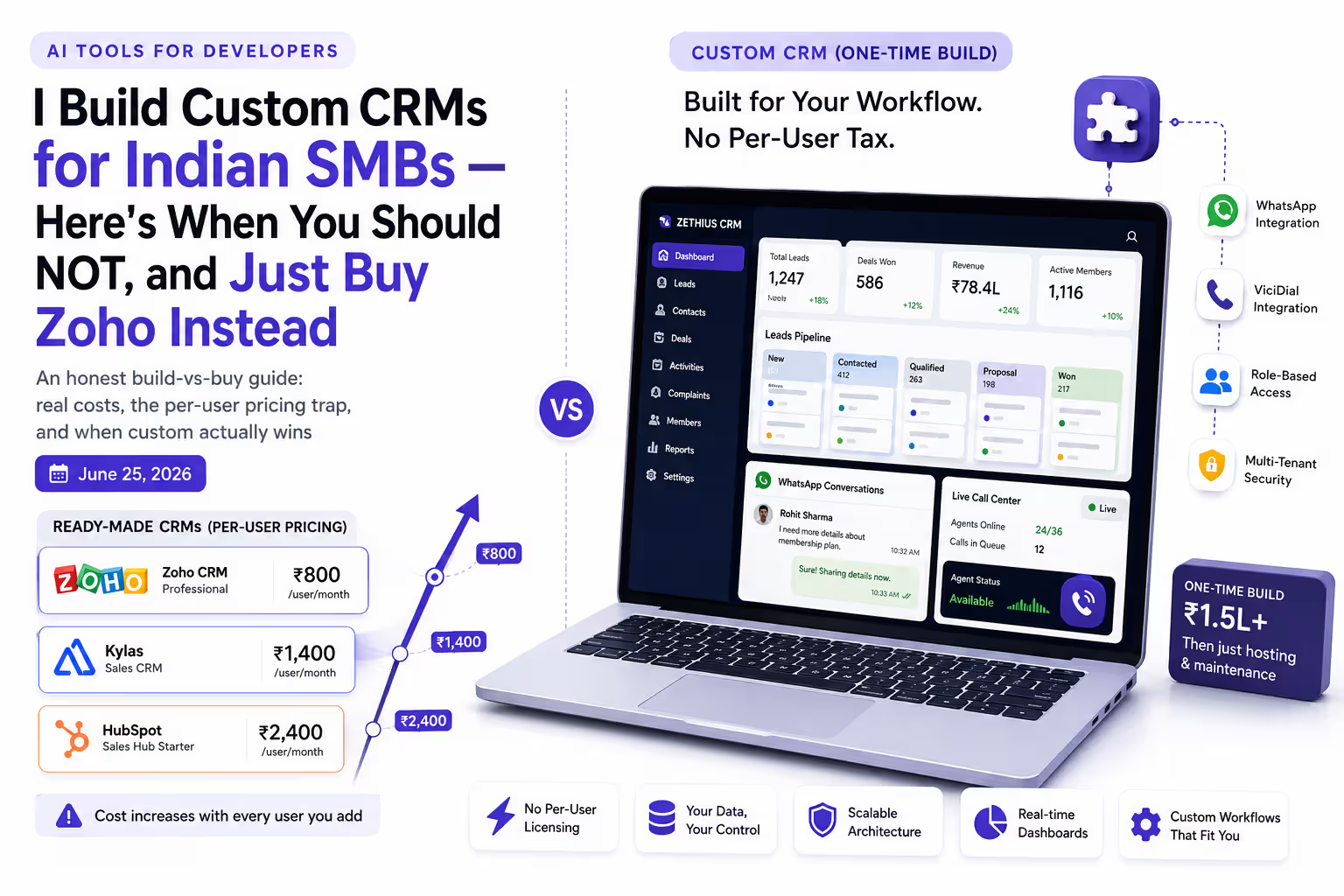
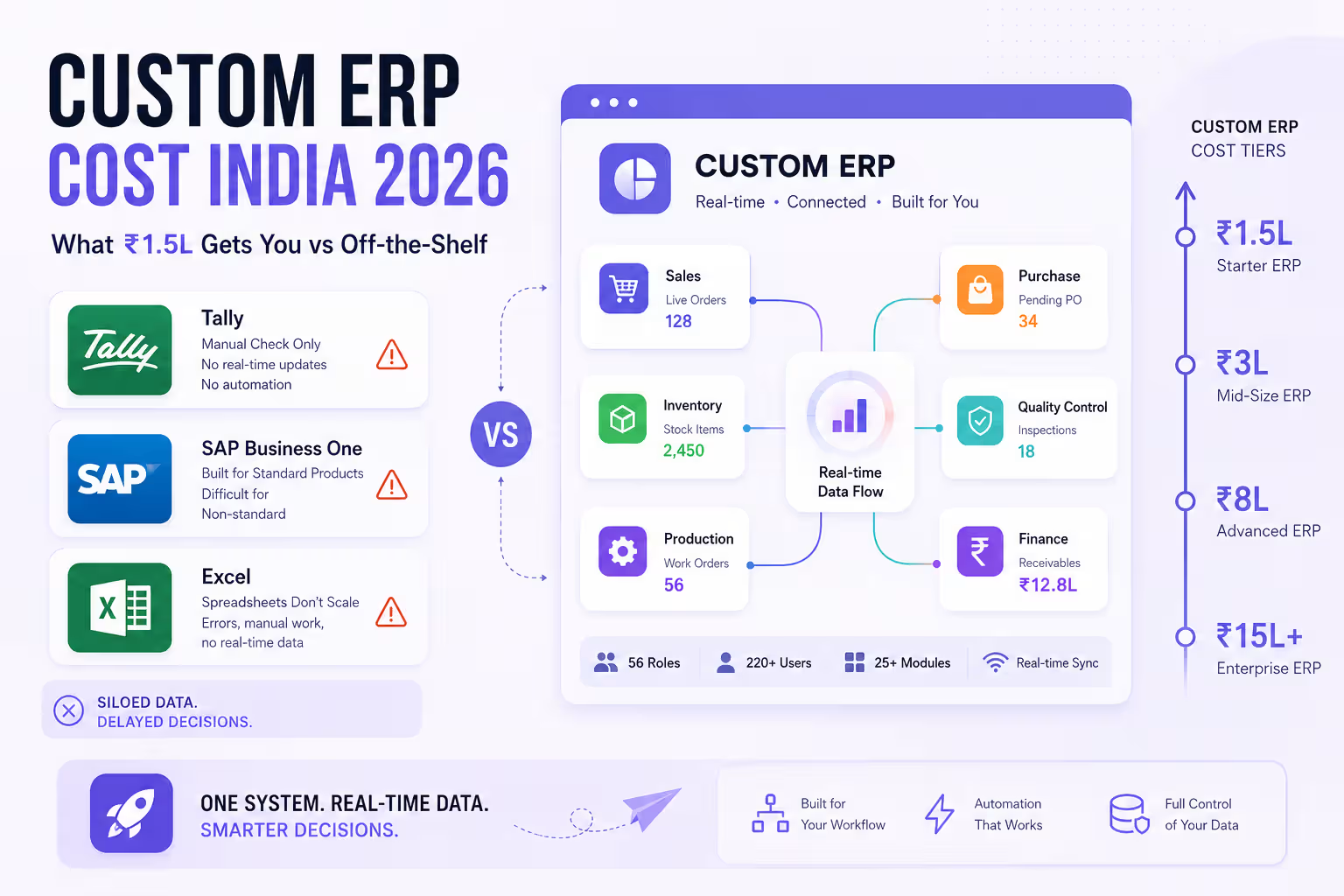
A trustworthy ERP audit log needs three things: capture at the database so nothing bypasses it, a reliable way to know who acted, and protection so the log itself can't be edited. The trigger, the set_config pattern and the month-partitioned table above cover all three with plain PostgreSQL. If you're still deciding whether to build an ERP at all, see custom ERP cost in India vs off-the-shelf and custom CRM vs ready-made. --- Last reviewed: October 30, 2026. SQL targets PostgreSQL 13 and later. This isn't legal advice; confirm retention periods for your industry and jurisdiction.
How does your ERP record who changed what? Trigger, app-level or an event store? Tell me what's worked for you.
Next Up
Continue your research
Sources & Research
PostgreSQL Documentation: Trigger functions (PL/pgSQL)
https://www.postgresql.org/docs/current/plpgsql-trigger.html
PostgreSQL Documentation: Table partitioning
https://www.postgresql.org/docs/current/ddl-partitioning.html
PostgreSQL Documentation: System administration functions (set_config, current_setting)
https://www.postgresql.org/docs/current/functions-admin.html
Ministry of Electronics and IT: Digital Personal Data Protection Act, 2023
https://www.meity.gov.in/data-protection-framework