Claude Prompt Caching in TypeScript (With Cost Math)

Prompt caching in five lines
- 1What it does → stores the start of your prompt (tools, system, earlier messages) so repeat requests reuse it at a fraction of the input price.
- 2How → add cache_control: { type: "ephemeral" } to the last block you want cached, or once at the top level for automatic caching.
- 3Price on Sonnet 5.5 → cache writes cost 1.25x base input (2x for the 1-hour cache); cache hits cost 5% of base input.
If your app sends the same large context to Claude again and again (a long system prompt, a product catalogue, a codebase summary, a document the user is chatting about), you're paying full input price for the same tokens every time. Prompt caching fixes that. The first request writes the shared prefix to a cache. Later requests read it back for a fraction of the cost and with lower latency. This guide shows a complete TypeScript example, how to confirm caching is working, and the exact cost difference on current models, plus the mistakes that quietly turn caching off.
How Prompt Caching Works
Claude caches a prefix of your request, in a fixed order: tools first, then the system prompt, then messages. You mark where the cached prefix ends with cache_control. Everything up to and including that block is cached; everything after it is processed normally.
A later request gets a cache hit only if its prefix is identical up to that point. Change one character in the system prompt and the system prompt and everything after it miss the cache.
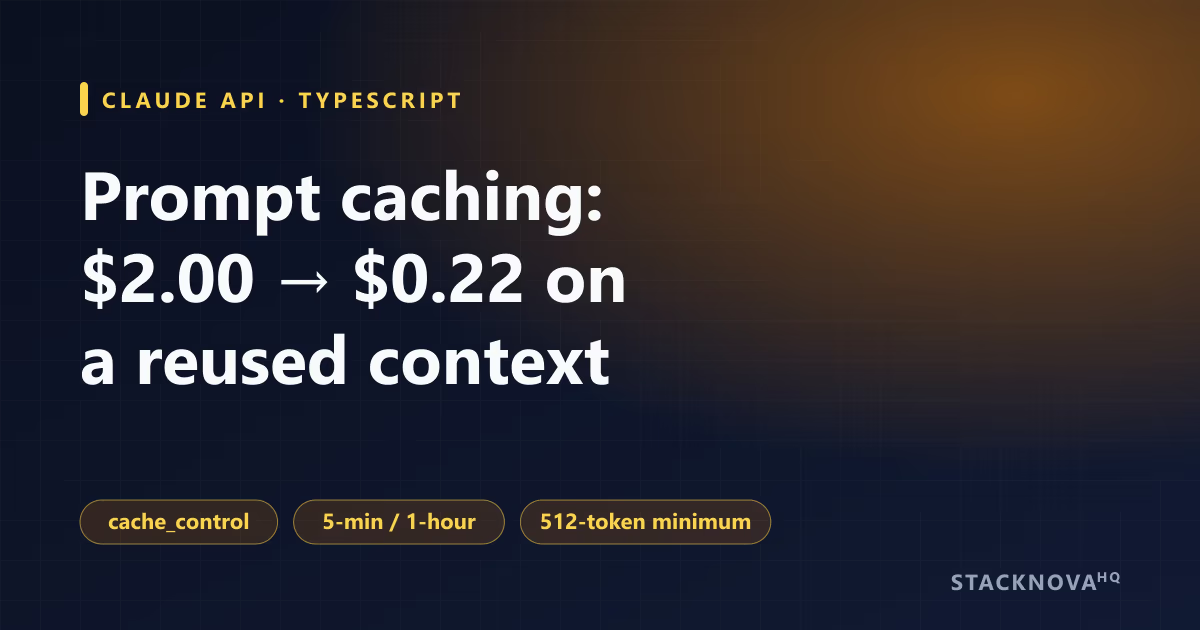
- Lifetime: 5 minutes by default, refreshed for free every time the cache is read. A 1-hour option costs more to write.
- Minimum size: 512 tokens on Claude Opus 5.5, Sonnet 5.5, Haiku 5.5 and Fable 5.1. Shorter prefixes are silently not cached, with no error.
- Breakpoints: up to 4 per request, so you can cache tools, system and conversation history as separate layers.
- Automatic mode: a single top-level cache_control field moves the breakpoint forward to the last cacheable block as a conversation grows.
What It Costs: Sonnet 5.5 Example
Cache writes cost more than normal input, and cache reads cost much less. On Claude Opus 5.5 and Sonnet 5.5, a cache hit costs 5% of the base input price (10% on most other models). Per million tokens:
Now a concrete case: a 50,000-token document that a user asks 20 questions about within a few minutes, on Sonnet 5.5. Ignoring the short questions and the answers, which cost the same either way:
Without caching: 20 × 50,000 tokens × $2 per million = $2.00.
With a 5-minute cache: one write (50,000 × $2.50 per million = $0.125) plus 19 reads (19 × 50,000 × $0.10 per million = $0.095) = $0.22. That's about 89% less, and every request after the first also starts faster.
| model | base input | five min write | one hour write | cache hit |
|---|---|---|---|---|
| Claude Sonnet 5.5 | $2 | $2.50 | $4 | $0.10 |
| Claude Opus 5.5 | $4 | $5 | $8 | $0.20 |
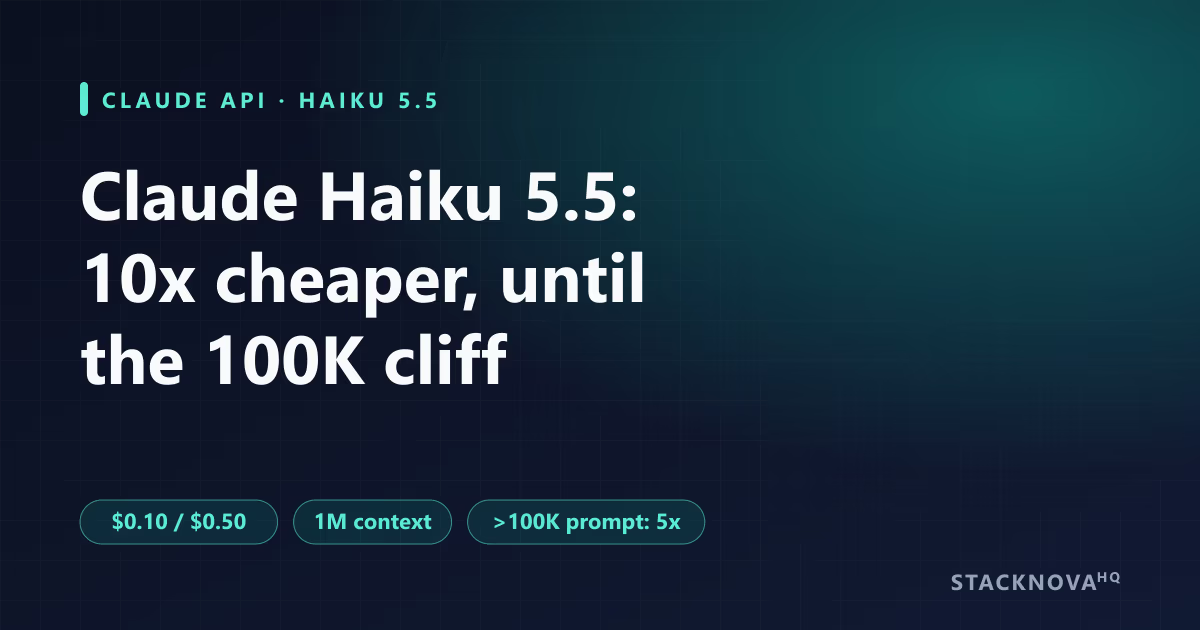
| Claude Haiku 5.5 (≤100K) | $0.10 | $0.125 | $0.20 | $0.01 |
A Complete TypeScript Example
This example caches a large reference document in the system prompt and asks a question about it. The second call within five minutes reads the document from cache.
Cache a large document in the system prompt and log what each call wrote and read.
import Anthropic from "@anthropic-ai/sdk";
import { readFile } from "node:fs/promises";

const client = new Anthropic();
const handbook = await readFile("./docs/handbook.md", "utf8"); // tens of thousands of tokens

async function ask(question: string) {
  const res = await client.messages.create({
    model: "claude-sonnet-5-5",
    max_tokens: 1024,
    system: [
      { type: "text", text: "Answer only from the handbook below. Quote section titles." },
      {
        type: "text",
        text: handbook,
        cache_control: { type: "ephemeral" }, // cache everything up to here
      },
    ],
    messages: [{ role: "user", content: question }],
  });

  const u = res.usage;
  console.log({
    wrote: u.cache_creation_input_tokens, // > 0 on the first call
    read: u.cache_read_input_tokens,      // > 0 on later calls
    uncached: u.input_tokens,             // tokens after the breakpoint
  });
  return res;
}

await ask("What is the leave policy for contractors?");
await ask("Who approves expense claims over ₹50,000?");- Put stable content first and changing content last. The question goes in messages, after the cached system prompt.
- Total input for billing is cache_read_input_tokens + cache_creation_input_tokens + input_tokens.
- For a 1-hour cache, use cache_control: { type: "ephemeral", ttl: "1h" }. Use it when requests for the same prefix come in more than five minutes apart.
Caching a Growing Conversation
In a chat, the useful prefix keeps growing. Automatic caching handles this: put one cache_control at the top level of the request and the API places the breakpoint on the last cacheable block, moving it forward each turn. Each turn then reads the earlier history from cache and only writes the new part.
Automatic caching for a multi-turn chat: one top-level field, no per-block bookkeeping.
const res = await client.messages.create({
  model: "claude-sonnet-5-5",
  max_tokens: 1024,
  cache_control: { type: "ephemeral" }, // automatic breakpoint placement
  system: SYSTEM_PROMPT,
  messages: history, // grows every turn
});Mistakes That Silently Break Caching
Caching fails quietly: the request still succeeds and you just pay full price. If cache_read_input_tokens stays at zero, check these first:
- A timestamp, request ID or user name in the system prompt. Anything that changes per request breaks the prefix. Move dynamic values into the user message.
- Changing tool definitions between requests. Tools come first in the cache order, so editing a tool description invalidates everything after it.
- Toggling thinking or effort settings. Changing them invalidates the cached message blocks.
- Adding or removing images anywhere in the prompt, or changing tool_choice.
- A prefix under the 512-token minimum, which is never cached.
- Requests more than five minutes apart with the default TTL. Use the 1-hour cache or accept the misses.
Frequently Asked Questions
Strategic Summary
Final Thoughts
Prompt caching is one of the cheapest optimisations you can make to a Claude app: a few lines of code and a stable prompt order. Put fixed content first, mark the end of it with cache_control, watch cache_read_input_tokens to confirm hits, and keep anything that changes per request out of the cached prefix. For background jobs, combine it with the Message Batches API, which halves the price again. For picking the model behind it, see Claude Haiku 5.5 for developers. --- Last reviewed: October 23, 2026. Behaviour and prices are from Anthropic's prompt caching and pricing documentation. No affiliation with Anthropic.
What hit rate are you seeing in production? Share your cache_read share of total input and I'll add real numbers to this guide.
Next Up
Continue your research
Sources & Research
Claude Platform Docs: Prompt caching
https://platform.claude.com/docs/en/build-with-claude/prompt-caching
Claude Platform Docs: Pricing
https://platform.claude.com/docs/en/about-claude/pricing
Claude Platform Docs: Batch processing
https://platform.claude.com/docs/en/build-with-claude/batch-processing