Google Antigravity High Traffic Error: Outage or Quota?

TL;DR — Google Antigravity "High Traffic" (503) Error
- 1First, diagnose: is it a global outage, or are you hitting your own model quota? (See the diagnostic section below)
- 2Global outage → server-side, nothing on your device fixes it. Wait or switch tools.
- 3Quota/usage limit → switch the model (Advanced Settings > Model) or wait for credits to reset. This can work.
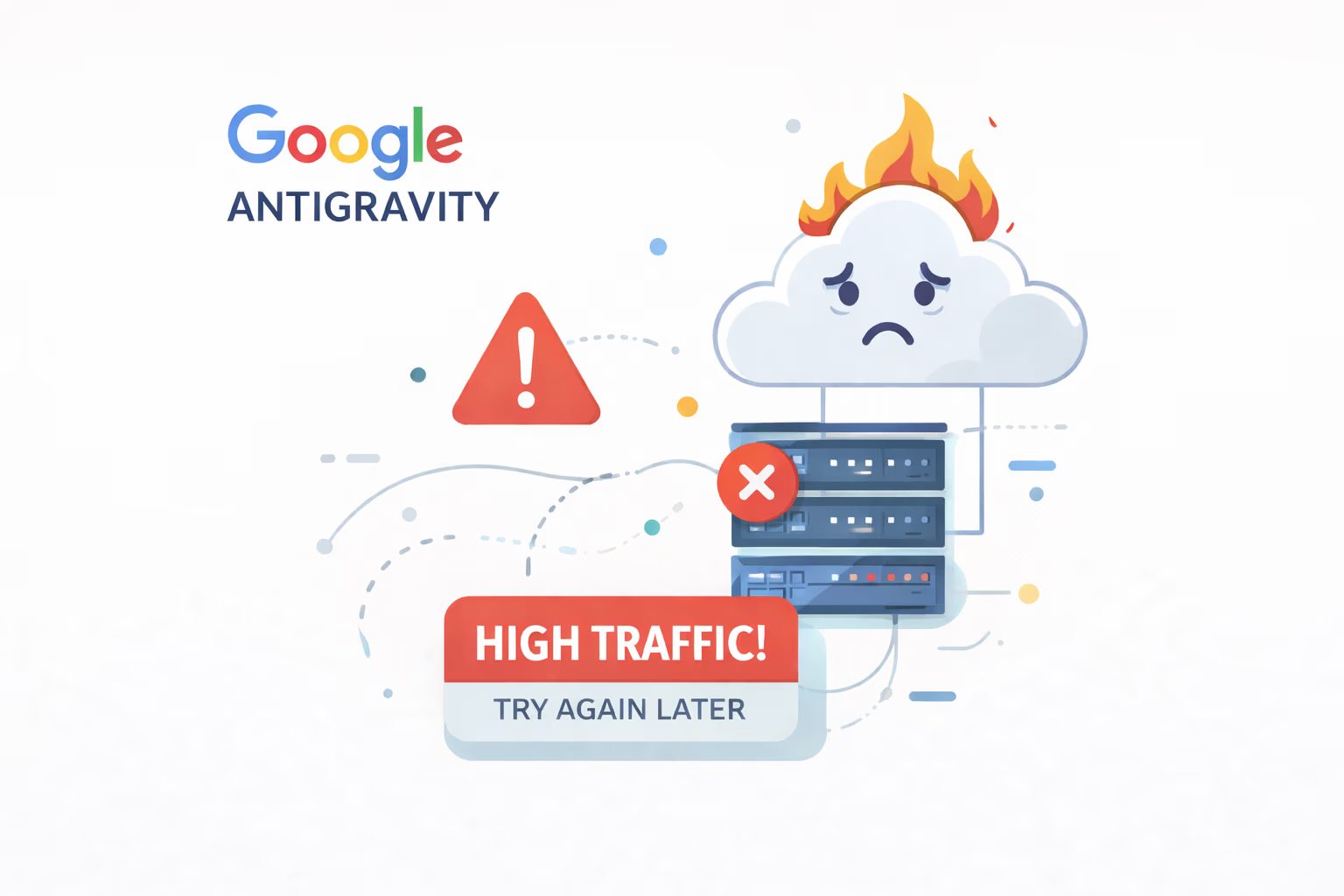
The Google Antigravity high traffic error is what Google Antigravity users across India, the US, Europe, and everywhere else keep hitting: 'Our servers are experiencing high traffic right now, please try again in a minute.' Behind that message is an HTTP 503 response — the server refusing your request. The message sounds like a quick blip, but for many users it has been the dominant Antigravity experience through 2026. Here's the part most guides get wrong: this message covers two different situations — a genuine global outage, and you hitting your own model quota. The fix depends entirely on which one you have. This post walks through how to tell them apart, what actually helps for each, and what to do while you wait.
Read This Before You Waste 2 Hours Trying Fixes
If you landed here from a video promising a '100% working fix' — slow down. Most generic fixes (cache clear, reinstall, account switch) do nothing against a server overload. But there's an important nuance the clickbait guides miss: the exact same 'high traffic' message shows up for two completely different problems. One is a Google-side global outage you genuinely can't fix. The other is you hitting your own per-model usage quota — and that one you can often work around. This post helps you figure out which one you're dealing with, then tells you what actually helps for each.
What the Google Antigravity High Traffic Error Actually Means (HTTP 503)
When Antigravity shows 'Our servers are experiencing high traffic right now, please try again in a minute', it returns an HTTP 503 (Service Unavailable). Your request was rejected before processing — this is not a timeout, and not a network error on your side. Either the backend is shedding load because it's saturated, or the system is refusing the request because you've exceeded a usage limit. Both produce the same message, which is exactly why this error confuses everyone.
- It's an HTTP 503 — the server actively refusing the request
- Not a timeout, not your connection
- Two root causes hide behind one message: global overload OR your own quota
- The auto-retry text is generic — the server isn't really checking if traffic dropped
Is It a Global Outage or Your Own Quota? How to Tell
This is the single most useful step, and almost no other guide includes it. Before trying any 'fix', figure out which problem you actually have — because the solutions are opposite. Run these checks in order:
- Check live status first: open statusgator.com/services/google-antigravity. If a widespread outage is reported, it's global — skip to the 'what to do' section, no local fix exists.
- Check your model usage: go to Advanced Settings > Model and look at your used vs remaining credits (Antigravity 2.0 redesigned this screen to make it clearer). If you're near or at your limit, this is a quota problem, not an outage.
- Try a different model: switch to another model (including non-Gemini options). If a different model works, it was a per-model limit — not a global outage.
- Test at a quiet hour: if it only fails during US/EU peak hours and works late night IST, that points to capacity/overload rather than your account.
- Rule of thumb: many people working fine + you blocked = your quota. Everyone blocked + status pages lit up = global outage.
If It's Your Quota — This You Can Actually Fix
If the diagnostic above points to a usage/quota limit, you have real options. Google's own troubleshooting guidance points here too: verify your model usage and switch models. This is the 'fix' that genuinely exists for a chunk of users who assume they're hit by a global outage when they're actually just rate-limited.
- Switch models: move off your current model (try a non-Gemini option) to dodge a per-model limit
- Wait for the reset: usage credits refill on a cycle — sometimes the wait is short
- Reduce heavy agent runs: large multi-step agent tasks burn credits fast and trip limits sooner
- Watch the quota screen: Advanced Settings > Model now shows used vs remaining credits clearly after the 2.0 update
If It's a Global Outage — Why Nothing on Your Device Helps
If status pages confirm a widespread outage and every model fails for everyone, this is Google's infrastructure, not your setup. Antigravity's backend runs on a shared resource pool — all users and plans hitting the same servers. When demand spikes past provisioned capacity (especially during US morning / EU afternoon), the system rejects requests globally. No client-side action provisions more server capacity, so nothing on your end will move the needle.
- Shared backend: no dedicated capacity per plan tier
- Peak hours (US morning, EU afternoon) make it noticeably worse
- One overloaded region can cause rejections elsewhere
- No config tweak, app version, or account change adds server capacity
The Rollback Trick — Why It Stopped Working
Earlier in 2026, some users reported that uninstalling Antigravity and installing an older version let them bypass the error for a while. Whatever the exact mechanism, that window has closed: as of around April 2026, users report the same error immediately after rolling back. Bottom line — no version of the client can talk its way past a full server queue or your own exhausted quota, so rollback is no longer worth your time.
- Worked inconsistently earlier in 2026
- Closed around April 2026 — users hit the same error right after rolling back
- App version doesn't change server capacity or your usage limits
- Not worth the reinstall effort today
Every Generic 'Fix' You've Seen — Does It Work?
Here's an honest pass on the common suggestions, mapped to which problem they could even theoretically touch:
- Switch model — Genuinely helps IF your issue is a per-model quota. Useless during a true global outage.
- Reinstall the app — Downloads the same client to the same backend. No effect on either cause.
- Install an older version — Rollback window is closed. No effect.
- Use a VPN — Usually no help. But because overload can be region-specific, a few users report a US region switch giving temporary relief. Worth one try, not a reliable fix.
- Clear cache and cookies — Doesn't touch server capacity or your quota. No effect.
- Switch Google accounts — A different account has its own quota, so this can help a quota problem, but does nothing for a global outage.
- Change network (WiFi to mobile) — Same destination server. No effect.
- Restart device — No local state is causing this. No effect.
- Wait 1 minute and retry — The window is arbitrary; may work during brief capacity dips, not a real fix. Hammering retry can make rate limiting worse.
Is This Affecting All Plans? Free, Pro, Ultra?
During a global outage, yes — all tiers are affected, and many frustrated Ultra subscribers have said so publicly. There is no reserved priority capacity per tier in the current shared architecture, so paying more does not move you up the queue during an outage. (A quota problem is different — higher tiers get larger usage allowances, so paid users hit per-model limits less often.)
- Global outage: Free, Pro, and Ultra all affected — no priority queue
- Paying more doesn't change your queue position during an outage
- Quota limits: higher tiers get more credits, so they trip limits less often
- Many Ultra users have reported the outage publicly on Google's forum
What You Can Actually Do Right Now
You may not have a one-click fix, but you have real options to keep working — and if you're weighing whether to stick with Antigravity at all once the dust settles, see my broader hands-on take in Antigravity CLI tested on a real project.
- Run the diagnostic above first — don't waste time on the wrong cause
- If it's quota: switch models or wait for credits to reset
- If it's an outage: try off-peak hours (late night IST / early US morning see lower traffic)
- Don't spam retry — it can trigger rate limiting and make things worse
- Keep an alternative ready: <a href="https://stacknovahq.com/ai-tools-for-developers/best-ai-tools-2026">Claude, ChatGPT, Gemini Advanced, and other developer AI tools</a> cover most Antigravity use cases; <a href="https://stacknovahq.com/ai-tools-for-developers/cursor-ide-too-expensive-7-cheaper-alternatives-2026">Cursor and cheaper IDE alternatives</a> are the closest IDE-level substitutes
- Monitor status: statusgator.com/services/google-antigravity and the Google AI Developers Forum
- Deadline-bound? Migrate the urgent task now instead of waiting on the server — the same call I make for client deadlines at <a href="https://www.zethius.com/">Zethius</a>
Can You Get a Refund During the Outage?
A lot of paying users — especially on the Ultra plan — have asked about refunds when the service is unusable for hours. Google hasn't published a blanket outage-refund policy for Antigravity, so this is handled case by case. If you want to pursue it, your best path is Google's official billing support rather than the developer forum (the forum is for technical reports, not refunds). Document the dates, times, and the error so you have a clear record when you raise the request.
- No public blanket refund policy for outage downtime
- Raise it through official Google billing support, not the dev forum
- Keep timestamps and screenshots of the 503 error as evidence
- Subscription billing terms govern eligibility — review them before requesting
Timeline: How This Escalated
Based on user reports across Reddit, the Google AI Developers Forum, and StatusGator:
- Late 2025 — occasional errors, mostly peak-hour, quick resolution
- January 2026 — frequency increases; StatusGator begins tracking Antigravity outages
- February–March 2026 — errors widen; rollback workaround works inconsistently
- April 2026 — error becomes persistent and widespread; rollback stops working; many Ultra users report it on Google's forum
- 2026 (ongoing) — Antigravity 2.0 ships with a redesigned quota screen (clearer used vs remaining credits); the 503 'high traffic' reports continue, with no official ETA from Google
FAQ
Strategic Summary
Final Thoughts
The Google Antigravity 'high traffic' (503) error isn't one problem — it's two wearing the same mask. If status pages confirm a global outage, there's no local fix; your best moves are off-peak hours, an alternative tool, and patience while Google scales. But if you're actually hitting your own model quota, switching models or waiting for your credits to reset can get you working again — a real fix that the 'nothing works' guides miss entirely. Diagnose first, then act. This page is updated as the situation changes — bookmark it.
Bookmark this page — updated as the Antigravity situation changes
Run the outage-vs-quota diagnostic above before trying any fix
Next Up
Continue your research
Sources & Research
Google AI Developers Forum — official troubleshooting steps for the high traffic error
https://discuss.ai.google.dev/t/how-to-resolve-this-issue-our-servers-are-experiencing-high-traffic-right-now-please-try-again-in-a-minute/138443
Google AI Developers Forum — Antigravity high traffic error thread
https://discuss.ai.google.dev/t/our-servers-are-experiencing-high-traffic-right-now-please-try-again-in-a-minute/139971
Google Antigravity changelog — Antigravity 2.0 and quota screen redesign
https://antigravity.google/changelog
StatusGator — Google Antigravity live status tracking
https://statusgator.com/services/google-antigravity
Gemini Apps Community — continuous 503 high traffic errors
https://support.google.com/gemini/thread/425283164/continuous-503-high-traffic-errors-agent-instantly-terminates